DEVIL13 / The Thirteenth Mind / Evidence & AI / Evidence review: November 18, 2026
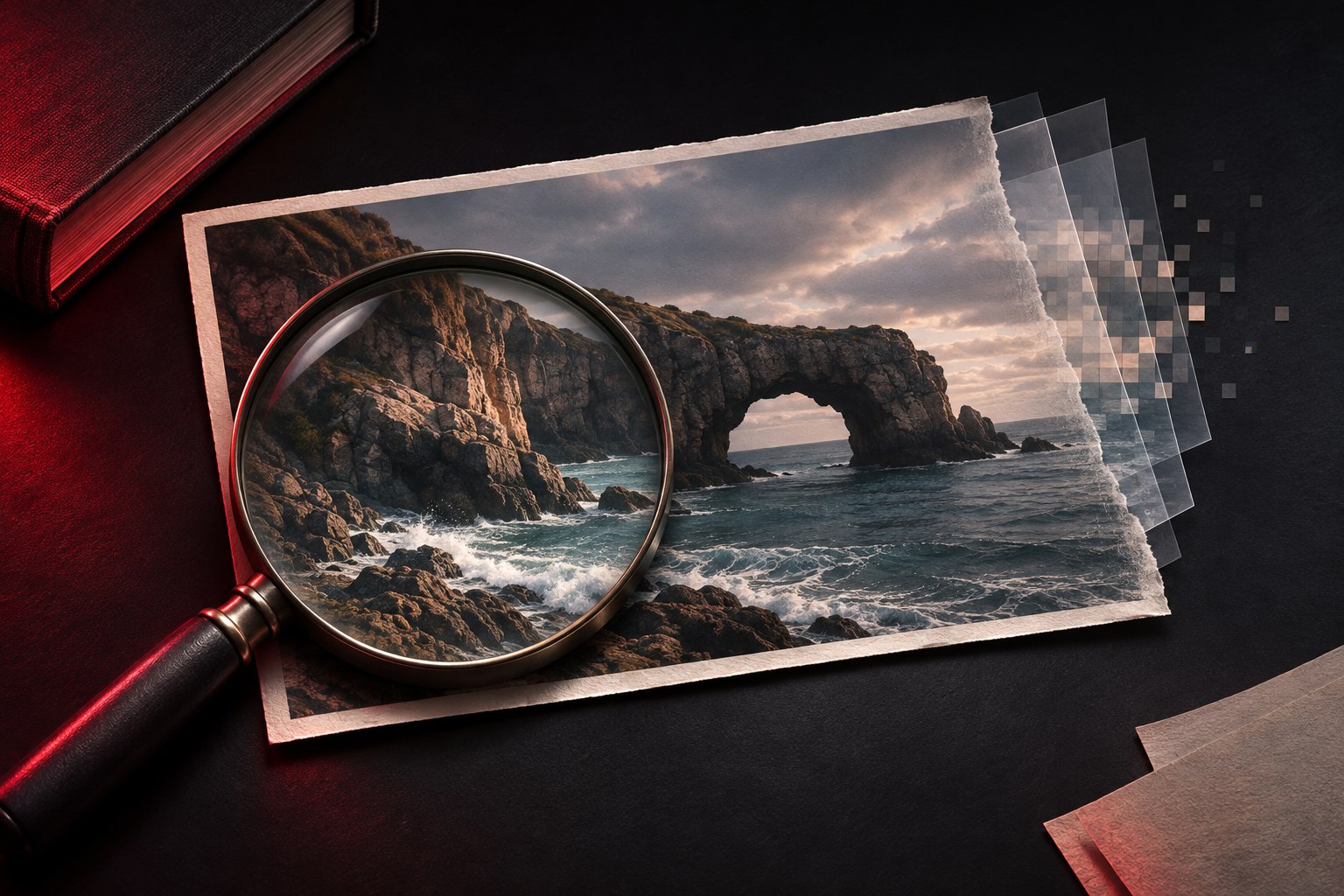
Featured artwork: an original AI-generated editorial illustration, not a documentary photograph or evidence of a real event.
The image looks convincing. The caption makes a remarkable claim. The comments are already arguing about whether it is AI. Before joining them, separate the questions. Was this scene photographed? Was the picture edited? Does it show the place, date and event described? Those are different claims, and they need different evidence.
A camera photograph can be used to tell a false story. An openly labelled AI illustration can be entirely honest about what it is. The useful investigation follows the image’s history and tests its accompanying claim.
Choose your next check: Trace the source · Understand detector results · Read Content Credentials · Try the worked example · Record your finding · Choose a verification tool.
Start with the claim, not the feeling
Write down what the post is actually asking you to believe. “A strange light appeared above this town last night” contains at least three checkable elements: a location, a time and an event. “This picture is AI-generated” adds a separate claim about production.
Keep those statements apart in your notes. You might establish that a photograph predates the alleged event without establishing whether it was ever digitally altered. That narrower finding still matters. It may be enough to reject the caption.
Follow the image back through time
Start a reverse image search using the image itself. Look for earlier appearances, larger versions, original captions and a photographer or publisher. AFP describes this as a central part of its verification method, alongside checking location clues and seeking original files.
Open the matching pages. A search thumbnail is a lead; the page gives you context. Compare dates carefully and distinguish the earliest copy you found from the true first publication. Search results do not contain every image on the internet. AFP notes that an unsuccessful reverse search can reflect a lack of publication or indexing.
Next, test what surrounds the picture: signs, buildings, terrain, weather and other independently sourced images of the event. Ten accounts repeating the same uploaded file give you ten copies of one lead. Look for evidence with a separate origin.
Visual oddities are reasons to investigate
An impossible reflection or distorted object deserves attention. Write down the specific inconsistency rather than announcing that the entire scene “looks fake.” Then ask what competing explanations would fit it and what additional evidence could separate them.
Avoid turning a missing visual defect into proof of authenticity. Passing your inspection tells you that you did not identify a convincing anomaly. It does not give you the image’s production history.
An AI detector supplies a result to examine
NIST’s 2024 review of synthetic-content techniques explains that image-detector performance depends on the tool, the images used for evaluation and processing such as compression or resizing. A detector trained on one generator may perform less well on another. The report also discusses the difficulty of content that is only partly synthetic.
For that reason, this guide supplies no universal accuracy percentage and endorses no detector as a final judge. A research result from a defined test cannot establish how every current service will handle your particular file.
Before relying on a score, ask what it measures, which kinds of images the service supports and what evidence exists about its errors. The International Network of AI Safety Institutes’ research agenda notes that probabilistic detection results can be difficult to interpret, especially without clear explanations. DEVIL13’s practical rule is to record the tool, date, result and limitations beside the other evidence. A score should not replace the investigation.
Metadata helps, but ordinary metadata can change
A file may contain dates, device information or editing records. NIST explains that metadata can be altered or removed, including during routine sharing and for privacy reasons. Consequently, a camera name in ordinary metadata is not decisive proof of camera capture, and missing metadata is not decisive proof of AI generation.
Request the original file when possible. Preserve the copy you received and distinguish its recorded information from facts you independently confirmed. If a timestamp conflicts with other evidence, investigate the conflict rather than silently choosing the version you prefer.
What Content Credentials can establish
C2PA Content Credentials provide a way to attach a digitally signed record of an image’s origin and editing history. Depending on what was recorded, that history may identify AI generation, camera capture or subsequent editing. The Content Authenticity Initiative explains that the information available depends on the tools and choices involved.
Inspect the actual credential details, including its signer, validation result and recorded actions. A small icon or a screenshot of a badge gives you less information than the credential associated with the file.
The C2PA explainer makes a crucial distinction: validation concerns the credential’s integrity, trust and association with the asset; provenance by itself does not establish that the depicted content is factually true. A photograph of a staged scene could have a legitimate recorded history. A genuine image could also circulate with a misleading caption.
Missing credentials leave an information gap. They do not settle the image’s origin. C2PA’s FAQ explains that embedded credentials can be stripped and that some implementations can help recover associated credentials through watermarking or fingerprinting. Recovery is a capability to investigate, not a promise that every file has a recoverable history.
A fictional case: the impossible light
This example is invented to demonstrate the method. Imagine a post claiming that a photograph shows an unexplained light above a town yesterday. The scene looks natural. A detector calls it likely authentic.
A reverse search leads to the same image on a photographer’s page dated three years earlier. The photographer identifies a different location and describes a long-exposure image of aircraft. You verify that the page predates the current claim and compare the full image with the circulated crop.
Your strongest finding concerns the caption: this image was already published before the alleged event. You have not proved that every pixel is untouched, that no unusual light appeared yesterday, or that the person who reposted it knowingly lied. None of those extra conclusions is needed to explain why this picture does not establish the advertised event.
Write the conclusion at the strength of the evidence
Use a finding that names what you established:
- Earlier image, misleading context: document the earlier publication and the conflicting claim.
- Recorded AI generation: identify the validated provenance information or other direct evidence supporting that conclusion.
- Evidence of editing: describe the demonstrated alteration and its relevance to the claim.
- Origin unresolved: state which checks were completed and what evidence is still missing.
Unresolved is a useful result when it is honest. It leaves room for the original file, a traceable source or new corroboration to change the assessment. Use the Evidence Engine and its free field-notes worksheet to record the claim, strongest evidence, alternatives and the finding that would make you reconsider.
Where to run the checks
- Find earlier copies: Google Lens accepts an uploaded image or an image URL. Use the official image-search instructions, then open matching pages to inspect their context.
- Compare versions: TinEye’s reverse-search guide explains uploading, pasting an image URL and sorting matches. A match can lead to an earlier or larger copy; the source page still needs checking.
- Inspect recorded provenance: Adobe Content Authenticity Inspect displays supported Content Credentials. Its official instructions explain file uploads, public image URLs and how to read the results. An empty result does not establish the image’s origin.
These services are separate from DEVIL13. Before uploading a private image, check the service’s terms and data-handling information. Tool instructions were checked November 18, 2026; interfaces may change.
Download the free Image Evidence Card → — a one-page PDF with seven fillable fields for the claim, source and separate findings about origin, processing and context. Save it in a compatible PDF reader or print it.
Sources and method
Original DEVIL13 synthesis of the linked NIST report, C2PA documentation, Content Authenticity Initiative explanation, AFP verification method international research agenda and official Google, TinEye and Adobe tool instructions. Sources checked November 18, 2026. This article is a researched guide; we did not run an independent detector benchmark or conduct the fictional investigation. Read Our Method or send a correction.
Continue the inquiry
- The Photograph That Arrived Too Early — practise image verification in a fictional case with four evidence envelopes.
- Why do we see faces in everything? — how interpretation enters the picture.
- The Phantom Footnote — tracing an impressive citation back to evidence.
- The Inquiry Room — practise with four clearly fictional evidence cases.